📘 Introduction
Coinara is a modern and fully responsive React template crafted for cryptocurrency exchanges, NFT marketplaces, and blockchain startups. It features clean UI components, interactive animations, and easy customization with Tailwind CSS and Vite for a fast developer experience.
It includes multiple homepage variations, trading sections, NFT listings, blog pages, and authentication screens — all crafted with a clean, futuristic UI and smooth animations powered by GSAP and AOS.
✨ Features
📁 Folder Structure
coinara-template/
│
├── public/             # Static assets
│   ├── images/
│   │   ├── favicon/
│   │   └── placeholder/
│   └── videos/
│       └── placeholder/
│
├── src/                # Main React source files
│   ├── components/     # Reusable UI components
│   ├── pages/          # All page components
│   ├── route/          # App routes configuration
│   ├── styles/         # Global CSS and Tailwind theme
│   ├── utils/          # Constants, types, helper functions
│   ├── svg/            # SVG icons and shapes
│   ├── index.tsx       # Main app render
│   ├── vite-env.d.ts   # env types
│   └── App.tsx         # Main app entry
│
├── package.json        # Project dependencies
├── vite.config.ts      # Vite configuration
├── tsconfig.json       # TypeScript configuration
├── .env-placeholder    # Example environment variables
└── README.md
⚙️ Installation & Setup
Requirements
- Node.js 18 or higher
- npm, yarn, or pnpm package manager
Installation Steps
- Extract the downloaded zip file.
-
Open the
coinara-templatefolder in your terminal. -
Run the following command to install dependencies:
npm install
# or
yarn install
# or
pnpm install
-
Start the local development server:
npm start
-
The app will be running on:
http://localhost:3000
💻 Development Commands
| Command | Description |
|---|---|
npm run start
|
Run project in development mode |
npm run build
|
Build project for production (includes JS obfuscation) |
npm run preview
|
Preview production build locally |
npm run lint
|
Check code quality with ESLint |
npm run pretty
|
Auto-format code using Pretty Quick |
🚀 Build for Production
To create a production-ready build, run:
npm run build
-
The output will be located in the
dist/folder. - A JavaScript obfuscation process runs automatically to protect your source code.
-
To preview the production build locally:
npm run preview
Deployment
You can deploy the production-ready
dist/
folder to:
Just ensure your
_redirects
file is included to handle React Router routes:
/* /index.html 200
🔧 Environment Variables
Rename the
.env-placeholder
file to
.env
and update values as needed.
Example:
# CRYPTO IMAGES
VITE_CRYPTO_COMMUNITY_IMAGE = /images/placeholder/1080x1347.svg
VITE_CRYPTO_BACKGROUND_IMAGE = /images/placeholder/764x581.svg

# BLOG IMAGES
VITE_CRYPTO_INVESTMENT_ANALYSIS_IMAGE = /images/placeholder/1080x720.svg

# VIDEO
VITE_COINARA_GUIDE_VIDEO_URL = /videos/placeholder/placeholder.mp4
VITE_COINARA_GUIDE_FALLBACK_IMAGE = /images/placeholder/670x376.svg

...
You can replace these placeholder paths with your own image or video URLs.
🎨 Customization
Colors & Theme
All colors and gradients are defined in:
src/styles/index.css
You can edit color variables inside the
@theme
block to quickly restyle your template.
--color-gradient-from: #f0b100;
--color-gradient-to: #ff6900;
--color-background: #ffffff;
--color-text: #000000;
...
Fonts & Typography
Font configuration is handled in
index.css. You can replace it with any preferred Google Font or
local font by importing it at the top.
Quick Tips
-
Change logos:
src/svg/Logo.tsxor replace SVG content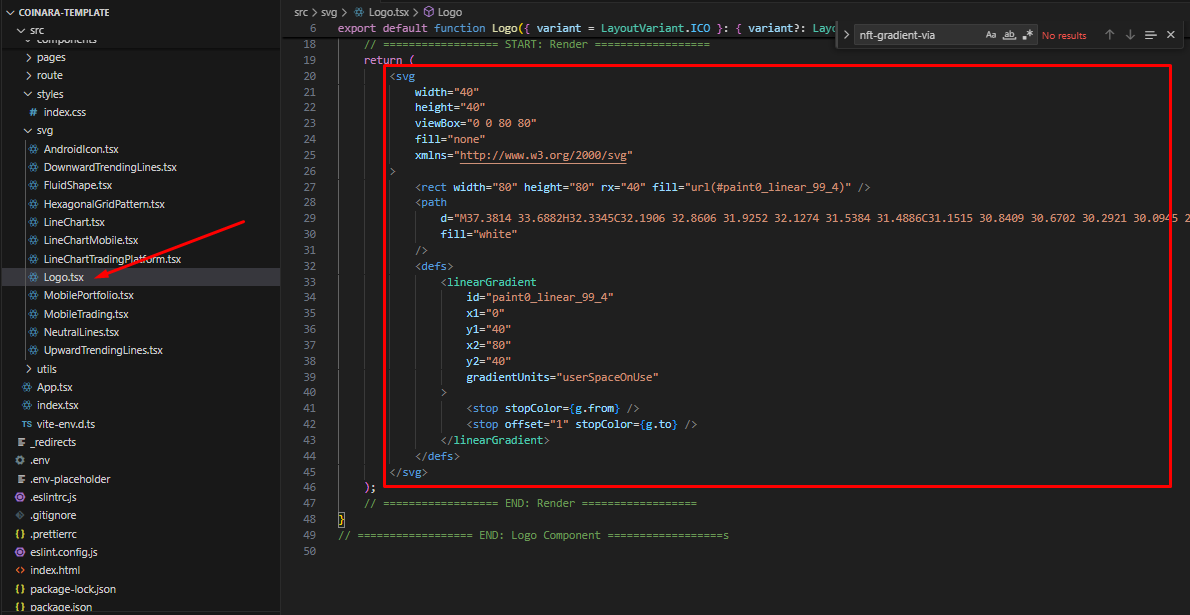
-
Modify SEO meta tags:
src/components/common/SEO.tsx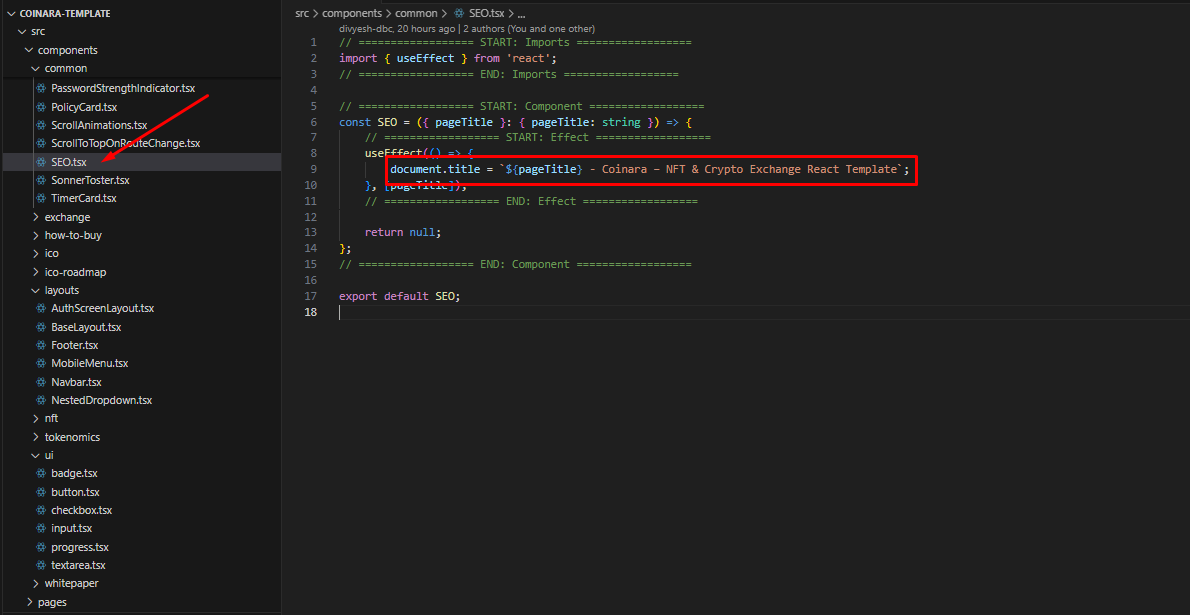
-
Update navigation menu:
src/utils/utils/index.ts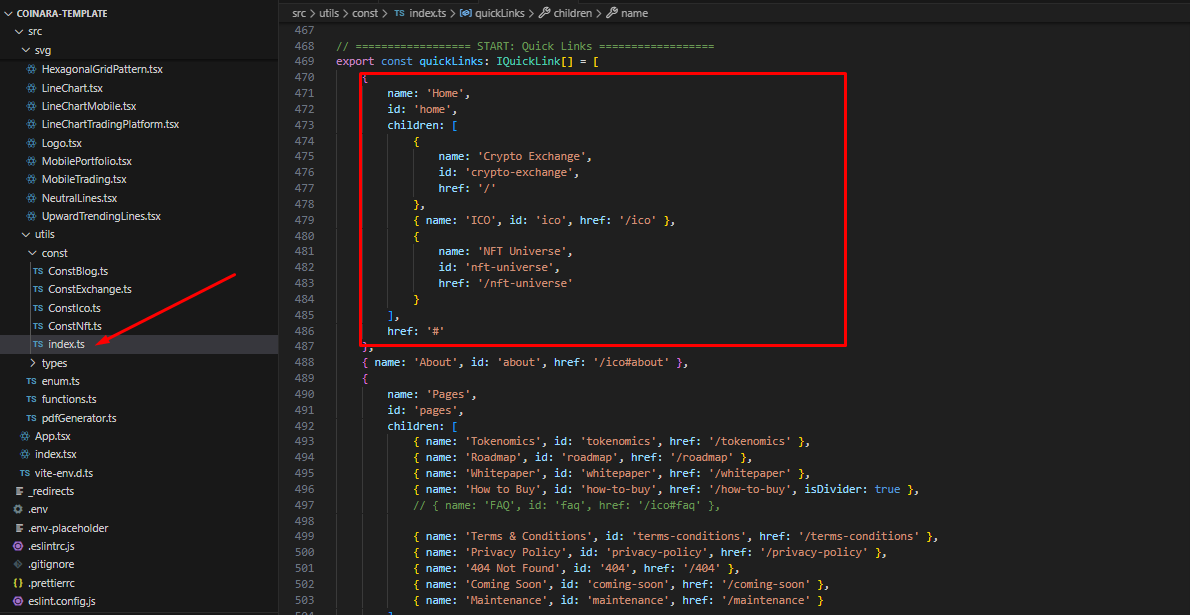
-
Edit footer:
src/components/layouts/Footer.tsx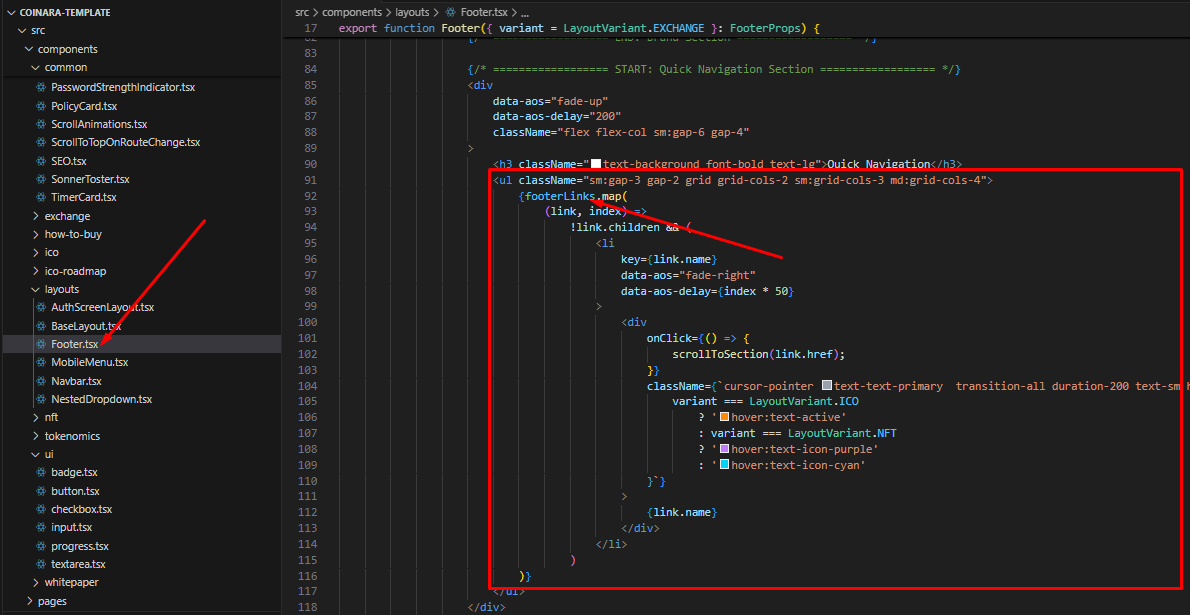
-
Customize background animations:
src/components/animation/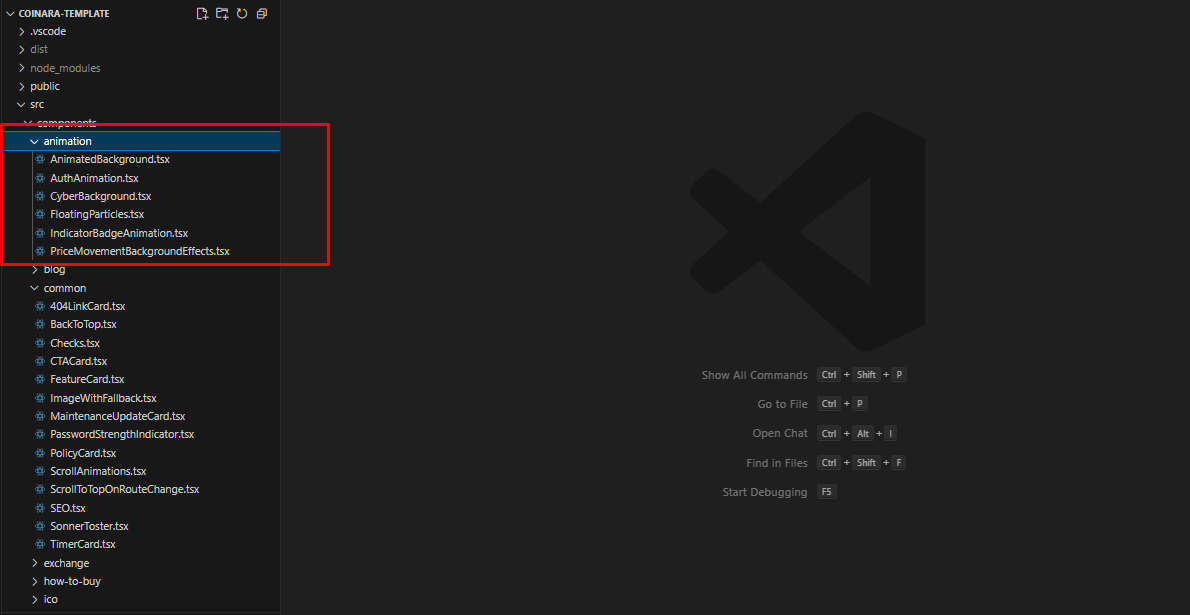
-
Edit Routes:
/src/route/Routes.tsx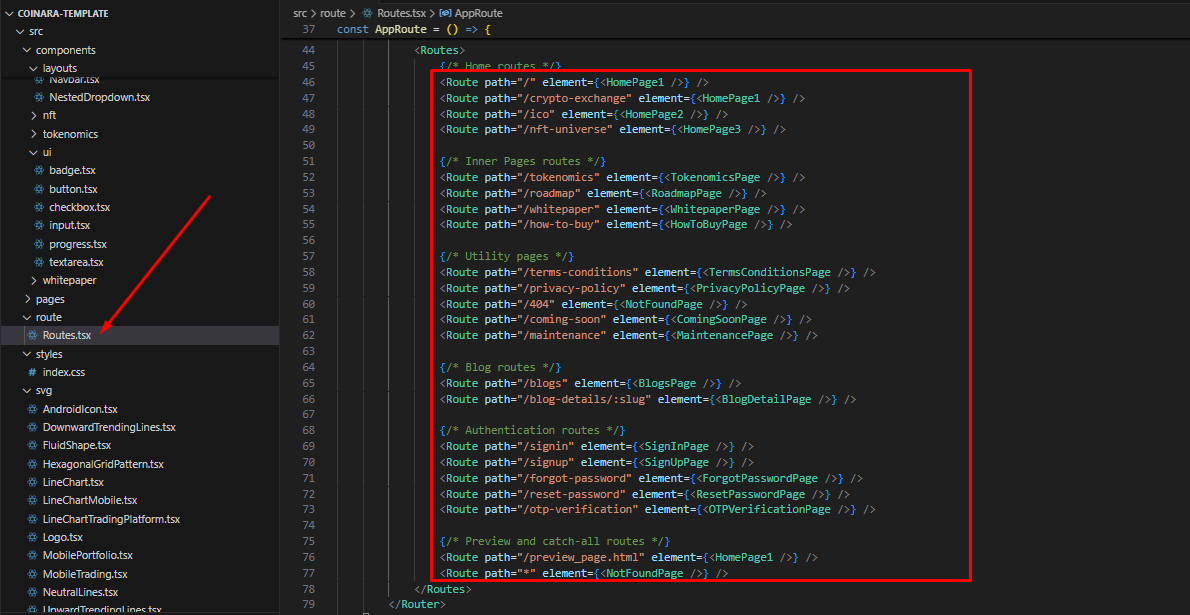
Adding New Pages
-
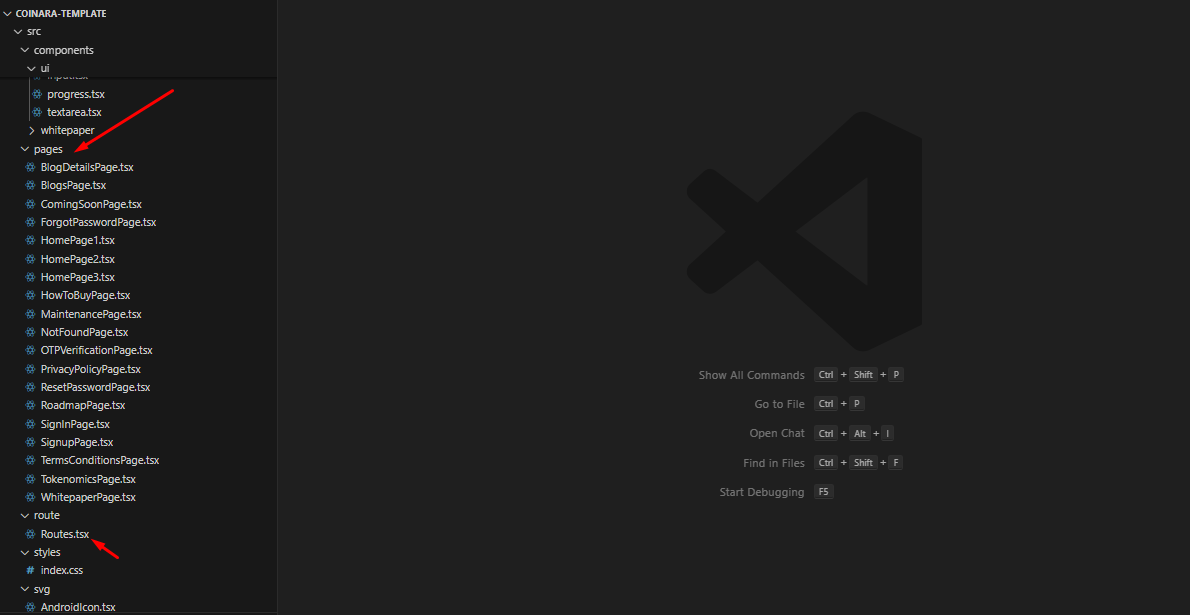
Create a new file inside
/src/pages/ -
Add the route entry in
/src/route/Routes.tsx
<Route path="/new-page" element={<NewPage />} />
📄 Included Pages
| Page | File | Description |
|---|---|---|
| 🏠 Home 1 |
HomePage1.tsx
|
NFT-focused landing layout |
| 🏠 Home 2 |
HomePage2.tsx
|
ICO & Token sale layout |
| 🏠 Home 3 |
HomePage3.tsx
|
Crypto Exchange homepage |
| 💰 Tokenomics |
TokenomicsPage.tsx
|
Token distribution, supply details |
| 🗺 Roadmap |
RoadmapPage.tsx
|
Project timeline with milestones |
| 📄 Whitepaper |
WhitepaperPage.tsx
|
Document viewer with stats |
| 🛒 How to Buy |
HowToBuyPage.tsx
|
Step-by-step guide for token purchase |
| ⚖️ Terms |
TermsConditionsPage.tsx
|
Legal terms and usage policy |
| 🔒 Privacy |
PrivacyPolicyPage.tsx
|
Privacy details |
| ⚙️ Maintenance |
MaintenancePage.tsx
|
Under maintenance notice |
| 🕐 Coming Soon |
ComingSoonPage.tsx
|
Launch countdown screen |
| 🚫 404 Not Found |
NotFoundPage.tsx
|
Missing page message |
| ✍️ Blogs |
BlogsPage.tsx
|
Blog listing layout |
| 📘 Blog Details |
BlogDetailsPage.tsx
|
Single article view |
| 🔐 Auth Pages |
SignInPage.tsx, SignUpPage.tsx,
											etc.
|
Secure authentication screens |
📦 Main Dependencies
| Library | Description |
|---|---|
| React 19 | UI Framework |
| React Router 7 | Client-side routing |
| Tailwind CSS 4 | Utility-first styling |
| Vite | Fast build tool |
| GSAP | Animation effects |
| AOS | Scroll animations |
| Recharts | Charts and token visuals |
| React Hook Form + Yup | Form handling and validation |
| Lucide React | Icons |
| Sonner | Toast notifications |
🙏 Credits & Sources
| Resource | Description | License |
|---|---|---|
| Vite | Build Tool | MIT |
| Tailwind CSS | CSS Framework | MIT |
| GSAP | Animation Library | Proprietary (Free for non-SaaS) |
| AOS Animation | Animation Library | MIT |
| SplitType | Text Split Animation | MIT |
| Lucide Icons | Icons | ISC |
| Pexels / Unsplash | Demo Images/Videos | Free License |
| Sonner | Toast Notifications | MIT |
| Google Fonts (Geist) | Font family | MIT |
| jsPDF | PDF Generation | MIT |
| Recharts | Data Visualization (Charts) | MIT |
🖼 Image & Video Policy
✅ Preview Usage
- Images & videos in the live demo are from Unsplash and Pexels under their free license.
- Used only for preview/demo — not included in the final download zip file.
📁 Included in Download
-
Placeholder images:
/public/images/placeholder/*.svg -
Placeholder video:
/public/videos/placeholder/placeholder.mp4
⚠️ Not Included
Any third-party Unsplash or Pexels media used in the preview.
💬 Support Information
This author provides limited support for this item through the official email contact form. Support is primarily focused on bug fixes, technical questions, and usability issues.
🕐 Response Time
Within 1–2 business days
📧 Contact
Through email contact form
💬 Support Includes:
- Availability of the author to answer questions
- Answering technical questions about item's features
- Assistance with reported bugs and issues
- Help with included 3rd party assets
❌ Support Doesn't Include:
- Customization services
- Installation services
📘 How to Get Support:
- Review the included documentation for setup and configuration steps.
- If the issue persists, contact us via the email form with details
- Provide screenshots, browser info, or console logs to help us resolve your issue faster.